

InVideo vs CapCut: Which Video Editing Tool is Better?
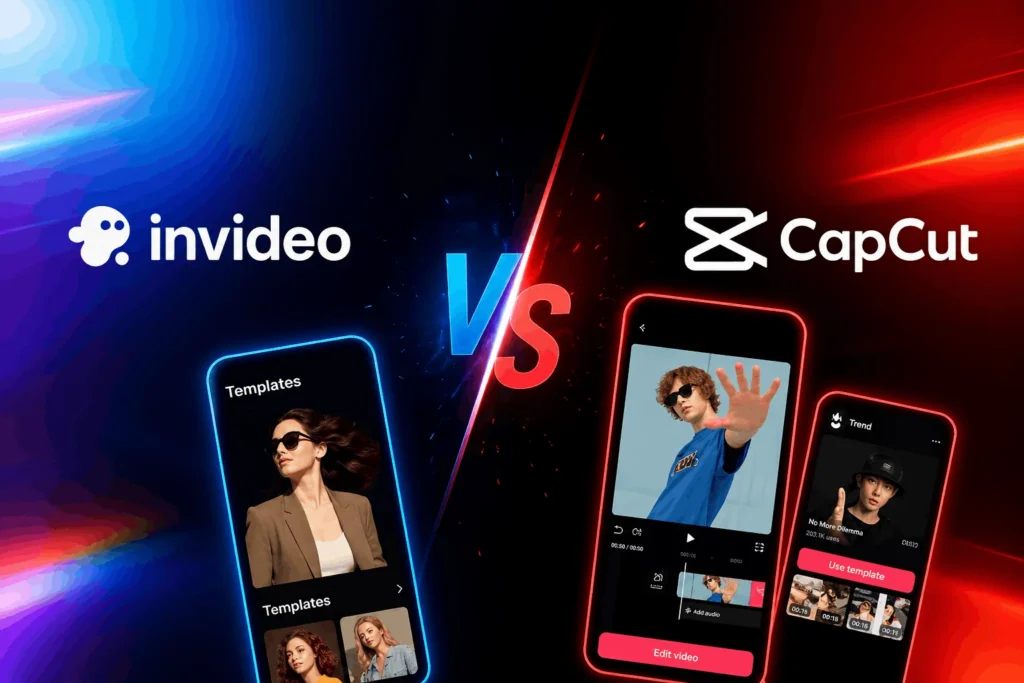
Choosing the right video editing tool can be challenging, especially with so many options available. Two popular platforms that creators often compare are InVideo and CapCut. Both offer powerful features, but they serve different types of users.
In this guide, we compare InVideo and CapCut based on features, pricing, usability, and latest updates to help you decide which tool is best for your content creation needs.
Quick Comparison Overview

InVideo is an AI-focused video creation platform designed for beginners and marketers who want fast results. CapCut, on the other hand, is a feature-rich editor popular among social media creators, especially for short-form content.
Recent updates have also impacted how users choose between the two, especially in terms of availability and privacy concerns.
Latest Update: CapCut Availability & Privacy Concerns
As of recent updates, CapCut has faced restrictions in certain regions like the United States due to regulatory concerns. While existing users may still access the app, new downloads and updates may be limited depending on the region.
Additionally, updated terms from ByteDance have raised concerns among some users regarding content usage rights. This has led many professionals and businesses to consider alternatives like InVideo for safer and more stable workflows.

What this means: If you’re looking for long-term reliability and fewer restrictions, InVideo currently offers a more stable option globally.
Features Comparison
InVideo Features
InVideo focuses on simplicity and AI-powered creation. It allows users to generate videos using text prompts, making it ideal for beginners. It offers a large template library, drag-and-drop editing, AI voiceovers, and automated video generation. These features help users create professional-looking videos quickly without advanced editing skills.
CapCut Features
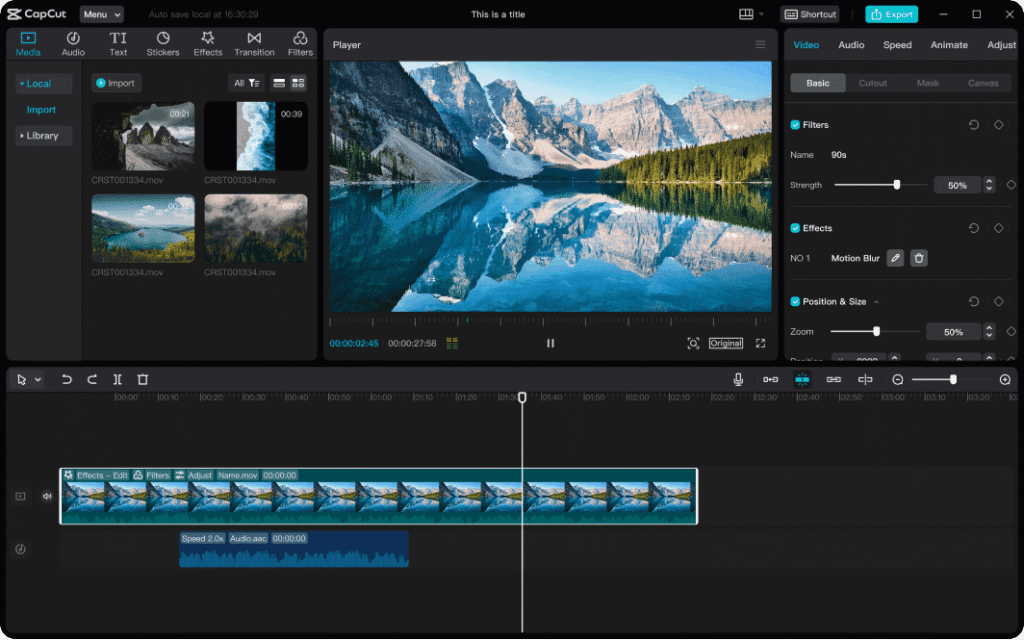
CapCut provides advanced editing tools, including transitions, filters, effects, and timeline-based editing. It is widely used for TikTok and social media content due to its built-in templates and seamless integration with short-form video platforms. CapCut also includes features like auto captions, effects, and music libraries.
Pricing Comparison
InVideo Pricing
- Free Plan
- Limited exports with watermark
- Basic AI video generation
- Limited storage
- Plus Plan (~$25/month)
- Increased AI video minutes
- More templates and stock media
- No watermark exports
- Max Plan (~$60/month)
- Higher AI limits
- More storage and assets
- Advanced AI tools and voice cloning
CapCut Pricing
- Free Plan
- Basic editing tools
- Watermark in some exports
- Limited features
- Pro Plan (~$7–$10/month)
- Premium effects and templates
- Advanced editing tools
- Auto captions and AI features
- CapCut Commerce (~$25+/month)
- AI content creation tools
- Scheduling and analytics
- Business-focused features

Ease of Use
InVideo is designed for beginners and non-editors. Its AI-based workflow allows users to create videos quickly with minimal effort.
CapCut offers more advanced control but comes with a learning curve. It is better suited for users who want detailed editing and customization.
Performance and Workflow
InVideo performs well for short and medium-length videos, especially AI-generated content. However, longer videos may take more time to process.
CapCut is known for smooth editing performance, especially on mobile devices. It handles complex editing tasks efficiently but may depend on device performance.

Best Use Cases
When to Choose InVideo
InVideo is ideal for marketers, bloggers, and businesses creating promotional videos, ads, and explainer content. It is also perfect for beginners who want quick results without technical skills.
When to Choose CapCut
CapCut is best for social media creators, influencers, and video editors who need advanced tools for creating engaging short-form content like reels and TikTok videos.
Pros and Cons Comparison
InVideo
| Pros | Cons |
| Beginner-friendly interface | Limited advanced editing |
| Strong AI video tools | Slower processing for long videos |
| Large template library | Less control over detailed edits |
| Great for marketing content | Search/navigation can be improved |
CapCut
| Pros | Cons |
| Advanced editing features | Learning curve for beginners |
| Great for social media videos | Some features behind paywall |
| Rich effects and templates | Regional availability issues |
| Smooth mobile performance | Privacy concerns for some users |
Final Verdict
Both InVideo and CapCut are excellent tools, but the right choice depends on your needs. If you want fast, AI-powered video creation with minimal effort, InVideo is the better option. If you prefer advanced editing features and are focused on social media content, CapCut is a strong choice.
However, considering recent availability and privacy concerns, many users are leaning toward InVideo for long-term reliability.


