

Mimi Panda vs Canva: Which Tool Wins?
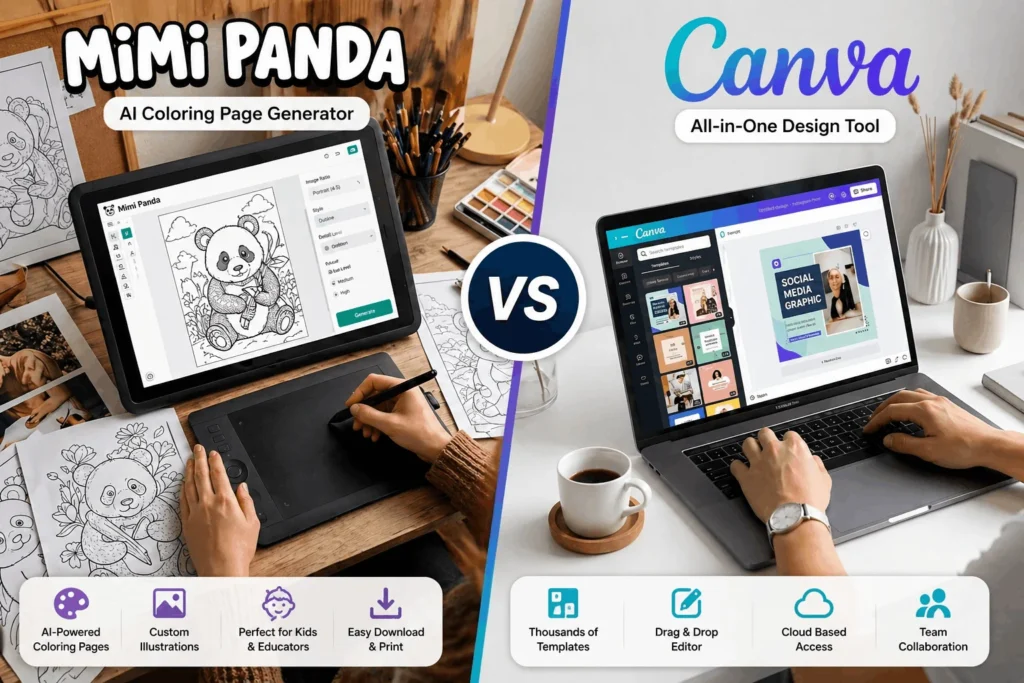
Choosing the right design tool can make a big difference in how quickly and effectively you create visuals. Two tools that often come up in this space are Mimi Panda and Canva. While both help users create visual content, they serve very different purposes. This comparison breaks down their features, pricing, usability, and overall value to help you decide which tool is better for your needs.
What is Mimi Panda?

Mimi Panda is an AI-powered tool designed primarily for creating printable coloring pages. It allows users to generate custom designs, especially for kids, educational use, and creative activities. The platform is simple to use and focuses on niche content rather than full-scale graphic design.
What is Canva?
Canva is a widely used graphic design platform that enables users to create social media posts, presentations, banners, logos, and more. It offers thousands of templates, drag-and-drop editing, and collaboration features, making it suitable for beginners and professionals alike.

Key Differences Between Mimi Panda and Canva
The main difference between Mimi Panda and Canva lies in their purpose. Mimi Panda is a specialized tool focused on generating coloring pages using AI, while Canva is a complete design platform for creating a wide variety of visual content. If your goal is creative illustration for kids or printable activities, Mimi Panda is more relevant. If you need marketing designs, social media graphics, or branding materials, Canva is the better choice.
👉 If you’re comparing tools, read our OpenArt vs MidJourney comparison for AI design tools.
Pricing Comparison: Which is More Affordable?
Mimi Panda offers a simple pricing structure, often with free options and affordable paid features depending on usage. It is designed to be accessible for individuals and educators.
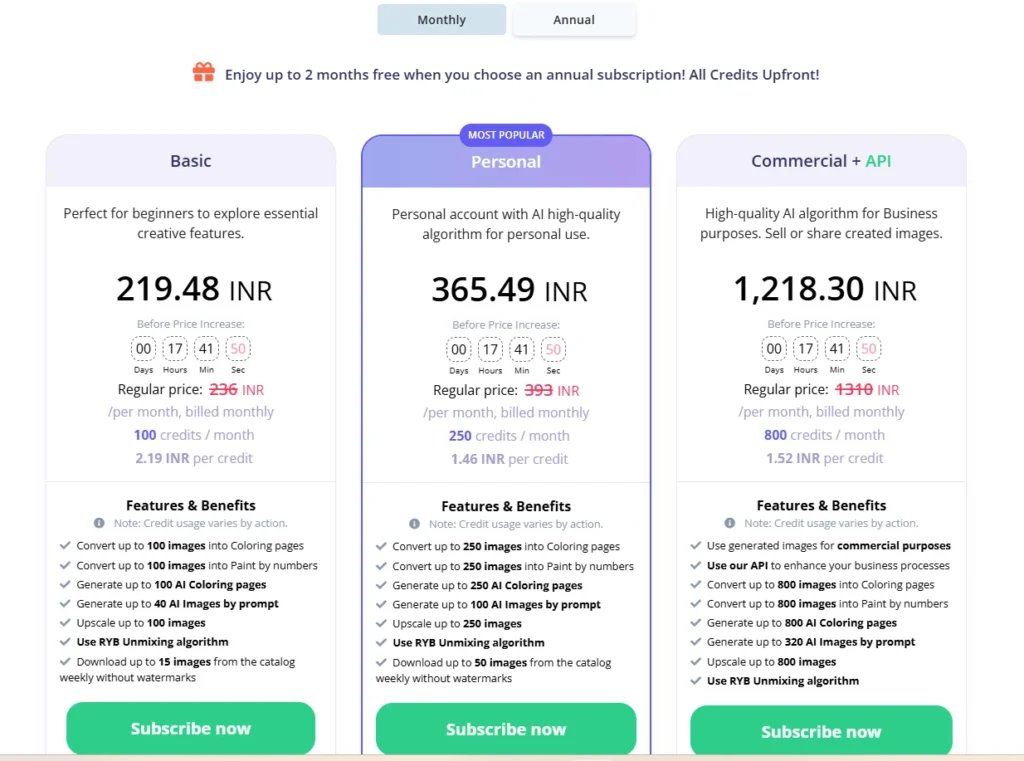
Canva also provides a free plan with many features, but its premium version unlocks advanced tools, templates, and brand kits. While Canva Pro is more expensive than Mimi Panda, it offers significantly more value due to its wide range of capabilities.
Features and Usability
Mimi Panda focuses on ease of use and simplicity. Users can generate designs quickly without needing design skills. However, its functionality is limited to a specific type of content.
Canva, on the other hand, provides a powerful design ecosystem. It includes templates, stock images, video editing tools, animations, and collaboration features. While it may take slightly more time to explore, it offers far greater flexibility.

Use Cases: Which Tool is Better for You?
Mimi Panda is best suited for teachers, parents, and creators who need printable coloring pages or simple illustrations. It is ideal for educational and hobby-based use.
Canva is better for bloggers, marketers, business owners, and content creators who need professional-quality graphics. It supports a wide range of design needs, from social media to presentations and branding.
Pros and Cons Comparison
Mimi Panda
| Pros | Cons |
| Easy to use | Limited functionality |
| Great for coloring pages | Not suitable for professional design |
| Affordable pricing | Fewer customization options |
| AI-based generation | Niche use case |
Canva
| Pros | Cons |
| Versatile design platform | Premium features require subscription |
| Thousands of templates | Can feel overwhelming for beginners |
| Suitable for all design needs | Some assets are paid |
| Collaboration and branding tools | Requires time to explore fully |
Final Verdict: Which Tool Wins?
There is no single winner because both tools serve different purposes. If you need a simple tool for creating coloring pages or basic illustrations, Mimi Panda is a good choice. However, if you want a complete design platform for creating professional visuals, Canva clearly stands out.
For most users, especially bloggers and marketers, Canva is the better long-term investment due to its versatility and advanced features. Mimi Panda remains a useful niche tool for specific creative needs.


